DrumPulse listens to the motion of your snare hand, turns each strike into data, and gives you both a real workout and a coach for your time.
🏃Saved as a real workout
Each session writes to the Health app with duration, heart rate, and active energy — so your drumming counts toward your activity rings.
🎯Rushing / dragging feedback
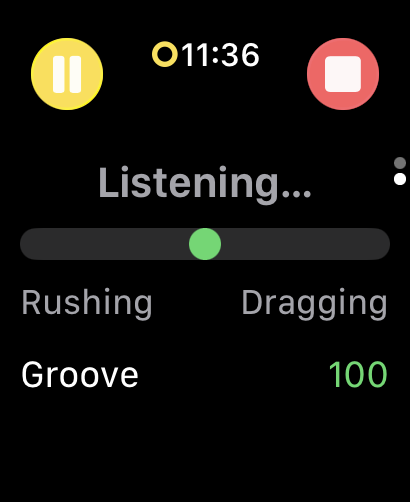
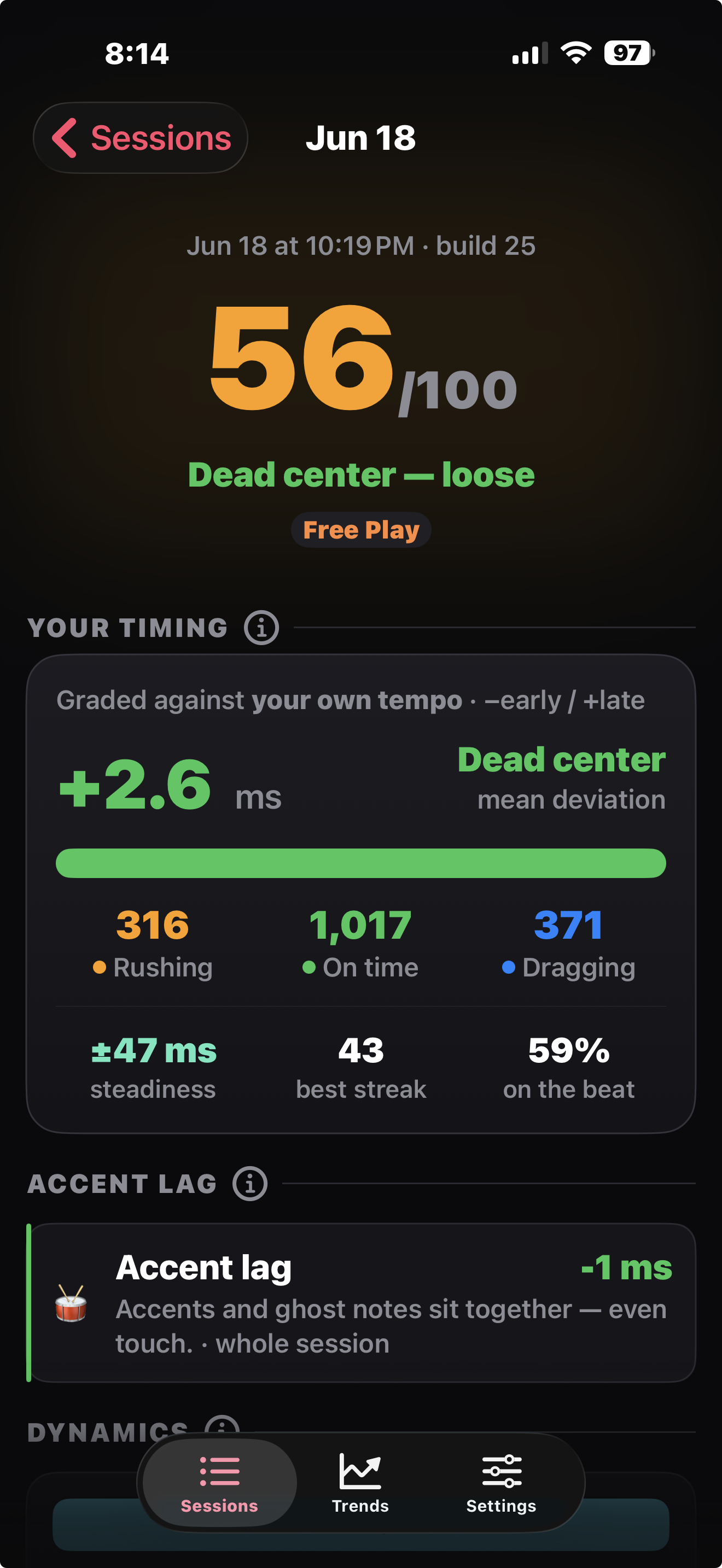
A groove meter swings orange when you're ahead of the beat, blue when you're behind, with an "in the pocket" score for the whole set.
❤️Live heart rate & calories
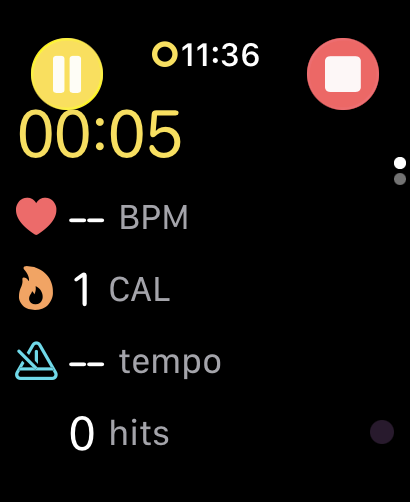
Your heart rate on your wrist while you play, plus calories estimated from a drumming MET value and your body weight.
🥁Live tempo (BPM)
Your current tempo, derived in real time from the timing between your hits.
💪Dynamics
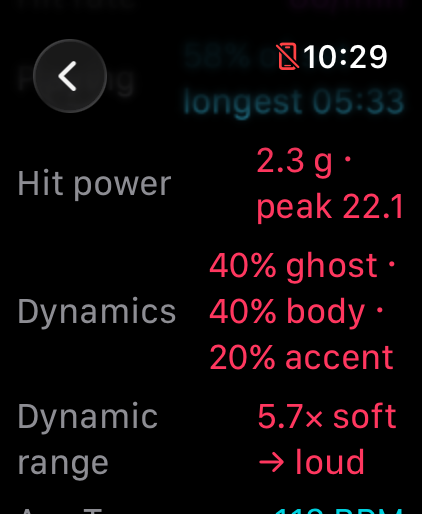
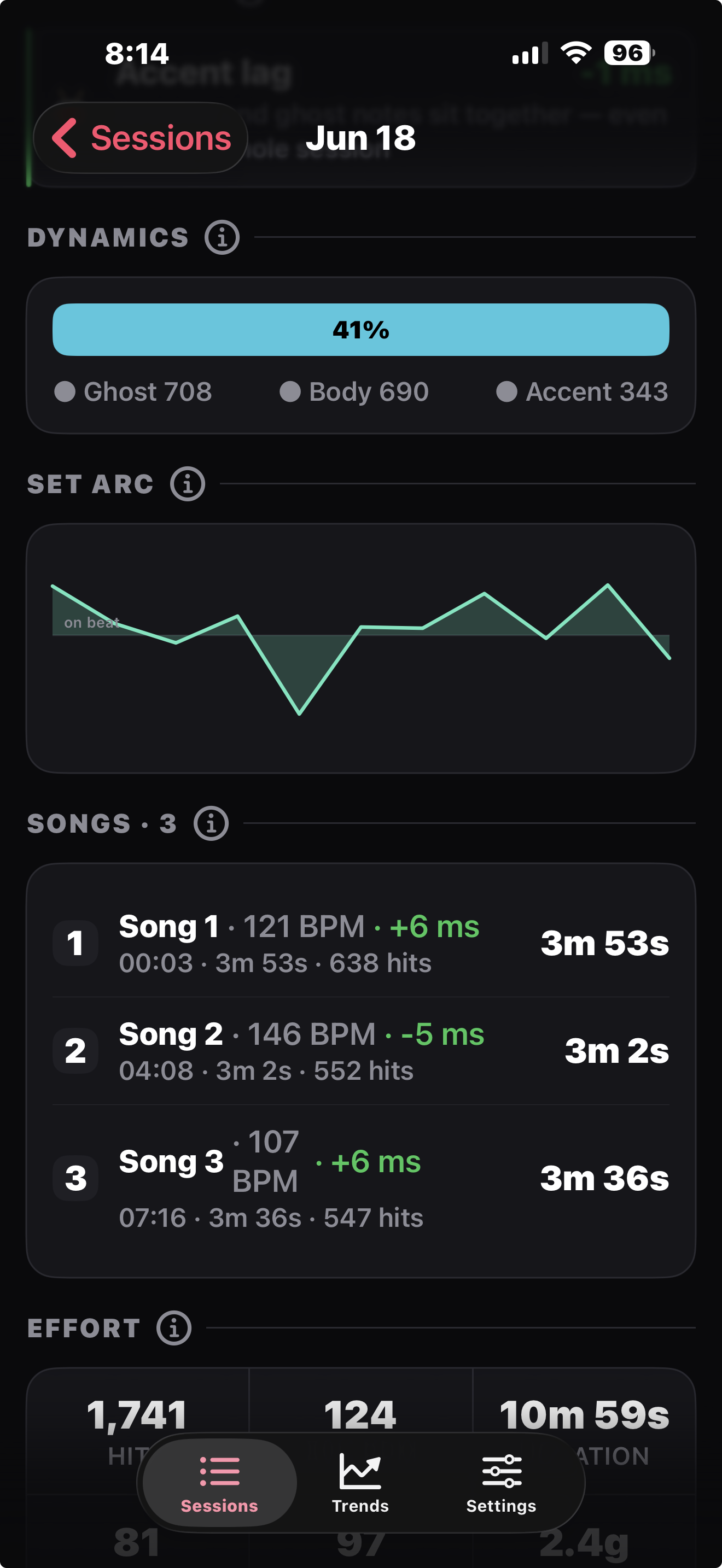
Every hit is split into ghost / body / accent relative to your own playing, so the recap shows the light-and-shade in your set.
🎼Per-song breakdown
In Free Play a long set is split into songs on the natural pauses, so each song gets its own tempo, timing, and dynamics rollup.
🎚️Calibration
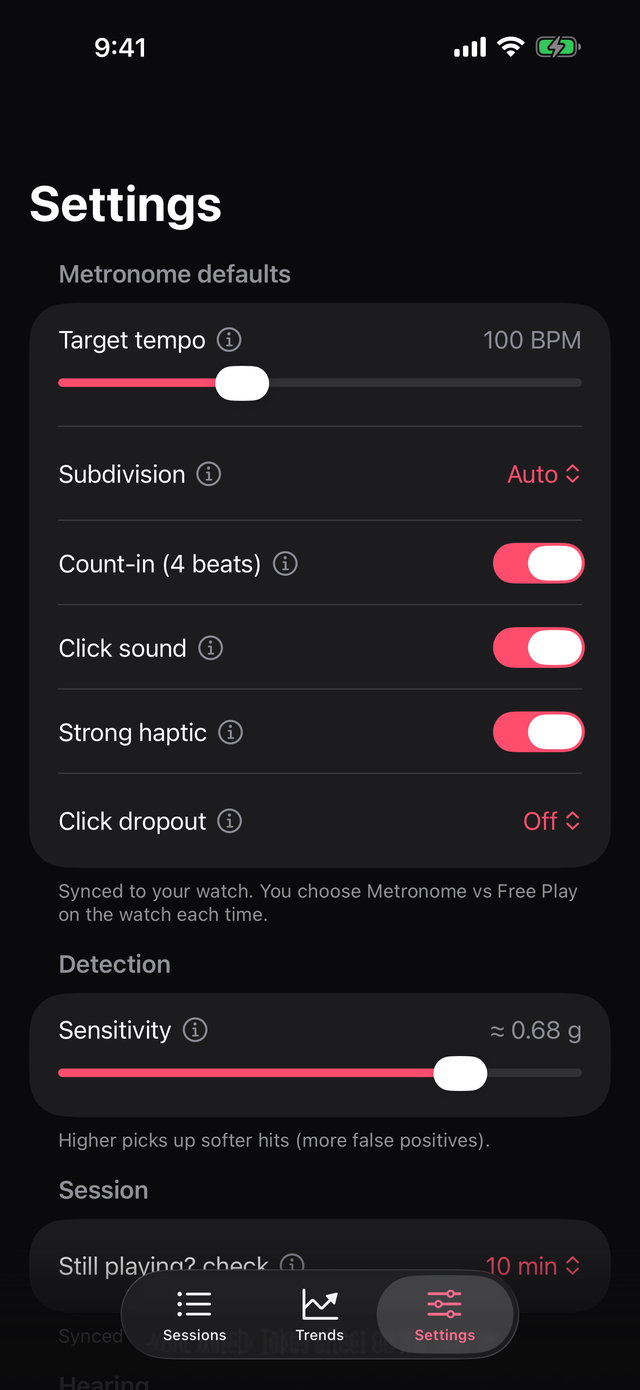
"Hit the pad 8 times" and DrumPulse sets detection sensitivity from your real strikes — no guess-and-check.
🕘History & trends
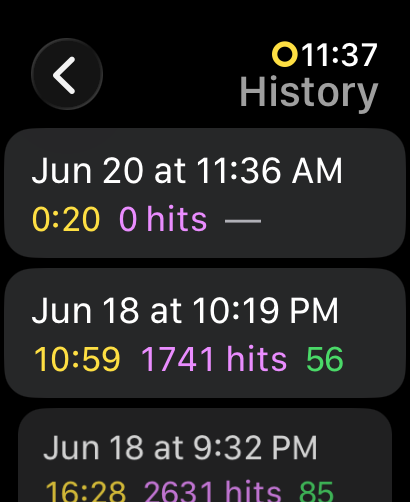
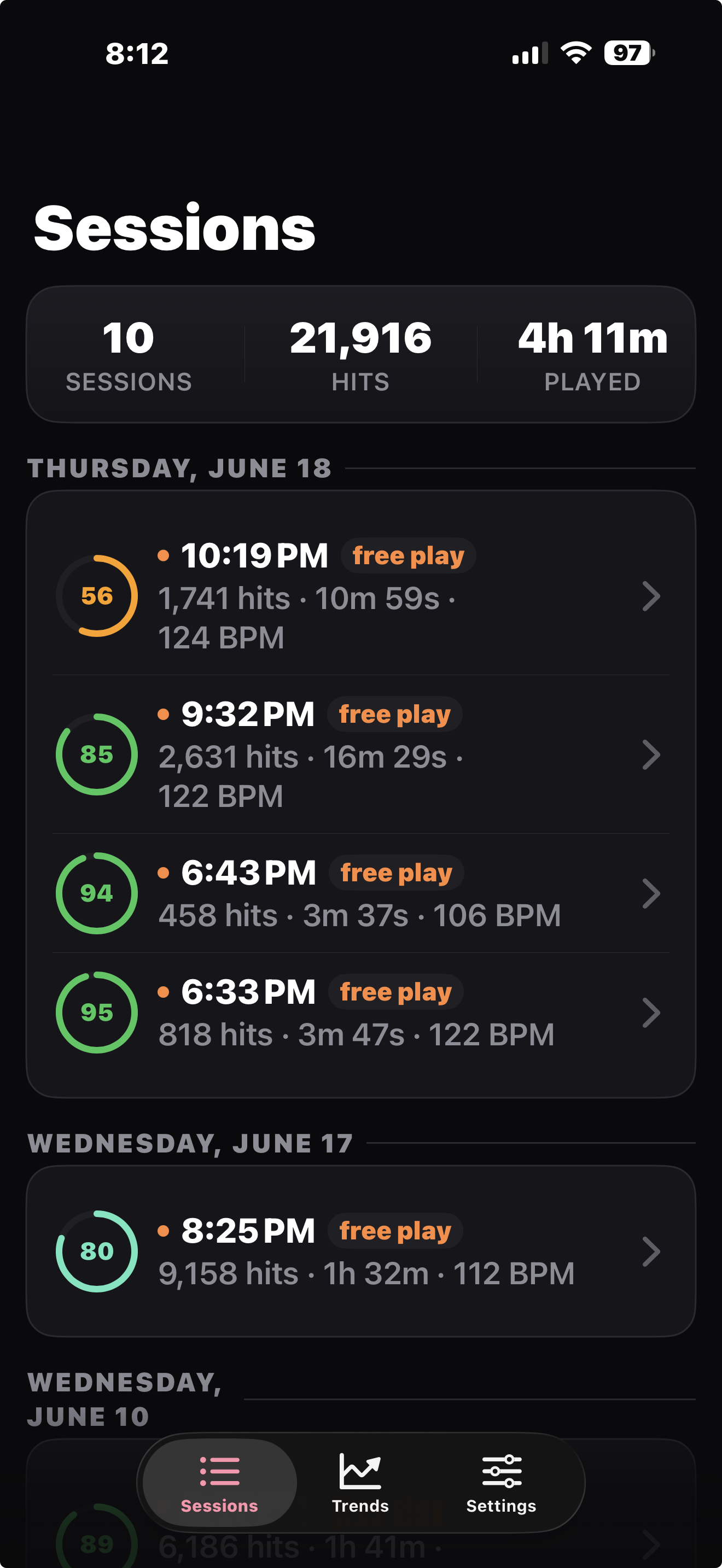
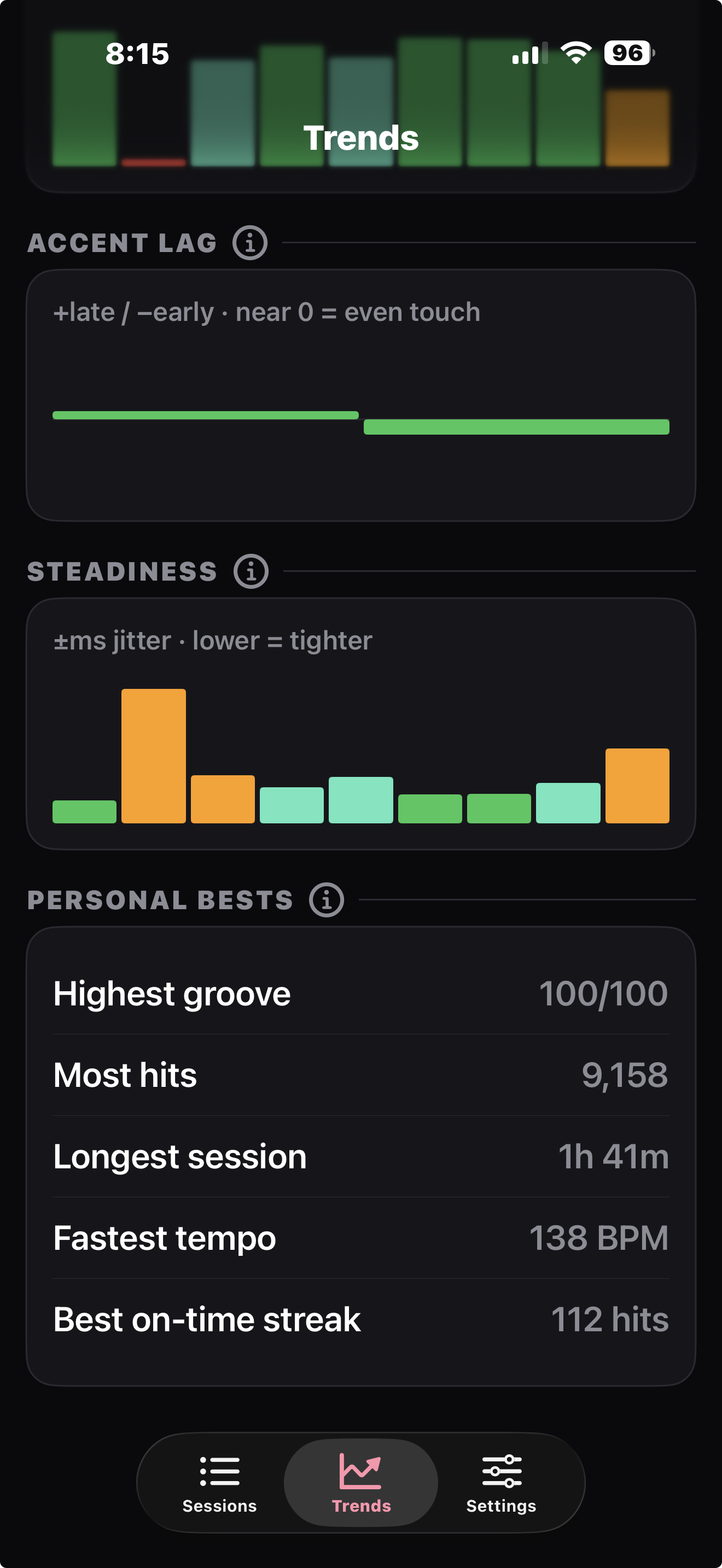
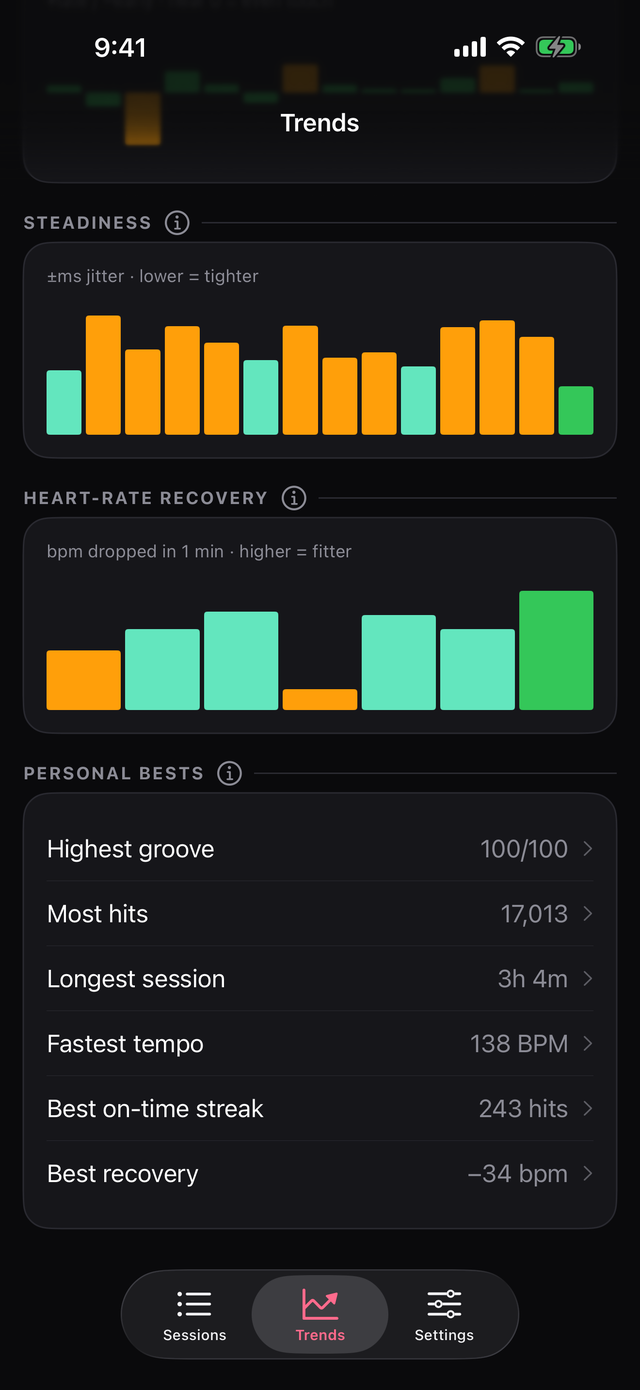
Your recent sessions are kept on the watch and synced to the iPhone companion, where the bigger screen shows trends across sets.
🫀Recovery & zones
Heart-rate recovery one minute after you stop (a fitness marker), plus time-in-zone across the set — drumming is cardio, tracked like cardio.
🔊Loudness
Average and peak dB from the watch's own hearing sensors, with a warning when a set runs loud enough, long enough, to matter.
🎯Accent lag
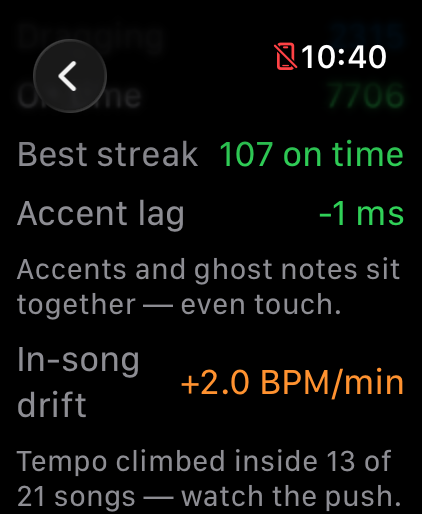
Do your hard hits land later than your soft ones? A habit mean deviation hides — DrumPulse splits timing by strength tier and tells you.
⏸️Breaks that don't cheat
Pause for water and the clock, calories, and grading all freeze. A break is a song boundary, not a hole in your stats.
⌚On your watch face
Put DrumPulse on the face you already wear — round, corner, wide or inline, or in the Smart Stack — and tap it to open the app. It never starts a session by itself, so a knock on a cymbal stand can't log a workout.
👋"Still playing?"
Leave a set running through load-out and your watch taps your wrist to ask: keep going, pause, or end. A gig that ended at 11 stops reading as a three-hour session.